 Gold150
 Supply0 / 10
Next wave10s
Your base Lv 1
Enemy base Lv 1
Speed


 Rocks[R]
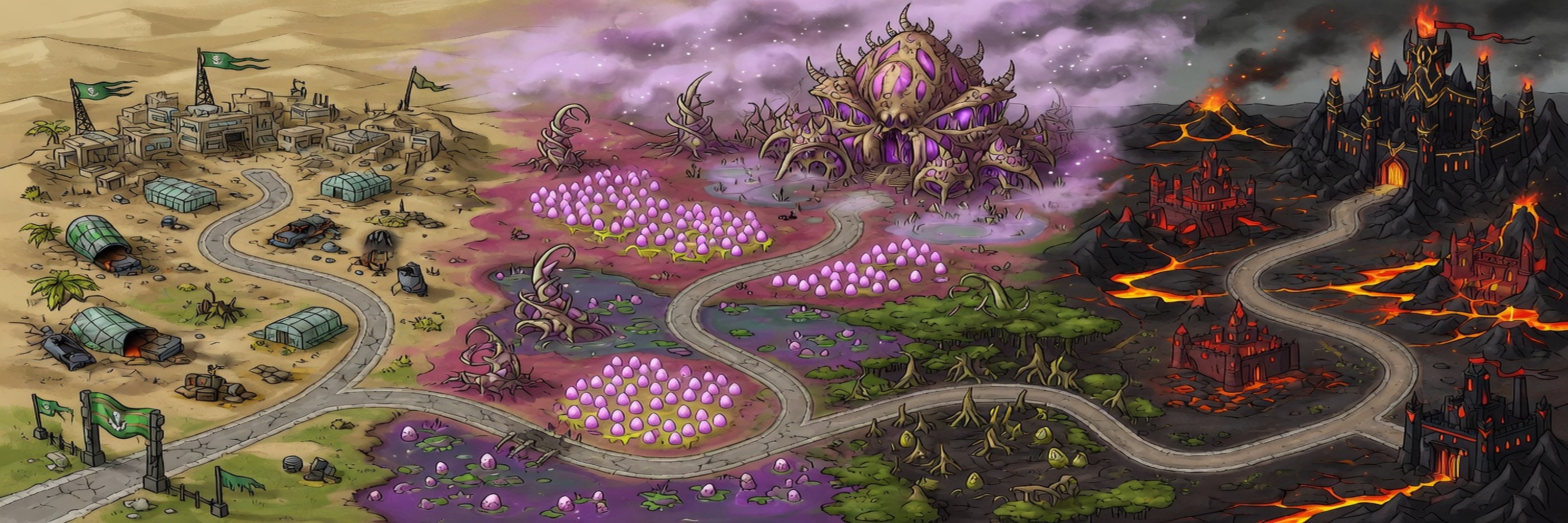
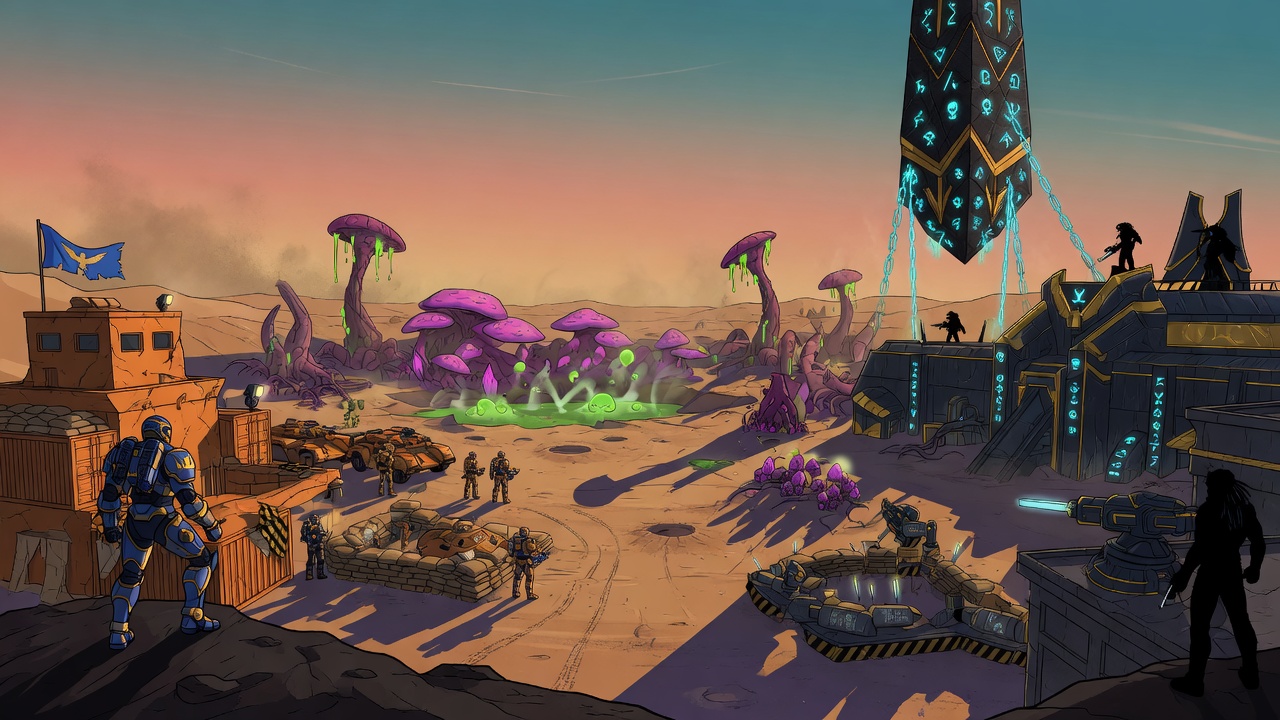
The Meridian War — Human Campaign

 Install HAP
In Safari: tap the Share button ⬆️ then choose “Add to Home Screen”. HAP installs like an app — fullscreen, offline-ready.
Friends
Recent matches
No matches yet.
Ladder — Top 50
Loading…
Research
Lv 1
Paused · press space to resume
Waiting for opponent…
The game resumes automatically
The game resumes automatically

VS
Multiplayer
Not connected — create or join a lobby
Searching for an opponent
Ranked pairs you with another player and moves your ladder rating.
— or play a friend (casual, no rating change) —
Create a lobby and send the 6-character code to a friend — they join with it.
 RANKED MATCH — the result moves both ratings
Lobby code:
Player 1
Empty
Player 2
Empty
Your race:
Settings
Audio
Music volume
SFX volume
Screen shake
Color-blind palette
Blue / orange instead of green / red. Minimap and new units update live; existing units apply fully from the next match.
Show aura ranges
Hero ability
Race ability
Attack rock
Tutorial
Saved picks
Stats & Achievements
Achievements
Controls
How to defend
Goal: destroy the enemy base before yours falls.
- Build producers. Press 1-7 to pick a building, then click a lane slot. Each producer spawns its unit on a timer. You can build anywhere on the map, all the way into the enemy zone — but only on slots you can see.
- Fog of war. Slots inside the dark fog show as red and can't be built on. Push units forward (or build a forward producer) to clear vision and unlock more lanes for placement.
- Watch for rocks. Gray rock clusters are scattered randomly per match. They block placement and stop ground units — units must walk around them. Air units fly over. Click near a rock or press R to give explicit orders: nearby idle ground units will attack and destroy it to clear the path/build slot. Units ignore rocks while they have enemy targets (no auto-divert mid-fight).
- Gold mines for income. Gold squares with crystals are the build spots (replacing regular blue squares) — only the Harvester (key 2) can be built on them (any gold mine, even deep on enemy side). The closest-to-base mine is always fixed in the same spot; the rest are random each match but mirrored symmetrically. Like other slots, you can only see the gold marker and build there once revealed by a unit or building (fogged golds appear as normal slots until scouted; no building/claiming through fog). Supply buildings give capacity only. Select Harvester then click a visible gold spot to place. Select a built harvester + use upgrade panel to level it (up to +3, +4 income each).
- Counter the enemy. Hover any building to see what it produces and what it's strong against. Flamers melt scuttlers; maulers counter behemoths; spitters counter flamers.
- Research & command. Buy upgrades in the panel below the build bar. Level up your main base (first two upgrade buttons) to unlock tier‑2 and tier‑3 weapon/armor research. The tier‑3 ability unlock gives you a race-specific super (Nuclear Strike / Plague / Stasis Field). Click a placed building to select it, then click a lane to set a rally point. Right-click a building to sell for 50%.
- Extras. Space pauses, Esc cancels selection or ability targeting. Q fires your hero's ability. T targets your race super (then click the map). R or click rock to order idle units to clear it. Speed buttons in the HUD.
- Camera & dock. Mouse at a screen edge, arrow keys, or middle-mouse drag to pan. Mouse wheel zooms. Click or drag the minimap to jump. Press B (or the dock button) to minimize/maximize the build & research panel so it stops covering the map. Each research card shows a ⇧+number shortcut (Shift+1…0) to buy it instantly.
Pick your race
Daily Challenge